Teaching & Learning Workforce

Scale Your Teaching Impact with an Agentic-AI Workforce

CampusMind’s Virtual Teaching Assistant (VTA) directly integrates into your LMS, providing 24/7 support for students while relieving faculty of time-consuming administrative tasks.
Strategic Support for Every Educator

Built to Support Faculty. Designed to Scale Learning.

Faculty is being asked to do more with fewer resources and less time. With CampusMind’s Virtual Teaching Assistant handling repetitive questions, faculty gain back hours spent on administrative tasks. This allows instructors to focus on teaching, research, and high-impact student engagement.

Curriculum-Specific AI

Trained exclusively on your syllabi, readings, and videos; not from the open web, ensuring relevant and accurate responses.
Three circular icons on a purple background representing Canvas, Blackboard, and Brightspace learning management systems.

LMS Native

Works directly within Canvas, Blackboard, orBrightspacefor a unified workflow, reducing friction and improving adoption.

Actionable Analytics

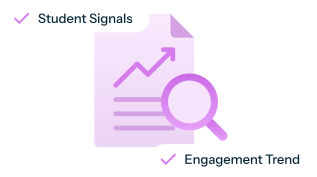
Detect learning gaps instantly, enabling instructors to enhance course delivery before they impact retention.

Instructional Alignment Controls

Set tone, guidance style, and boundaries to match your course voice and teaching approach.

Academic Integrity Guardrails

Define what the assistant can and cannot do to protect integrity and reduce inappropriate outputs.

Full Faculty Oversight

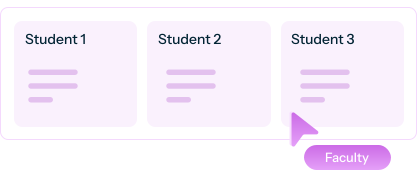
Review student interactions and trends for transparency, accountability, and continuous improvement.
IMPLEMENTATION & ONBOARDING

Study Mode: Learning First, Answers Second 

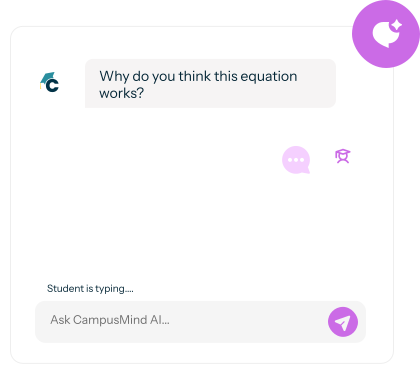
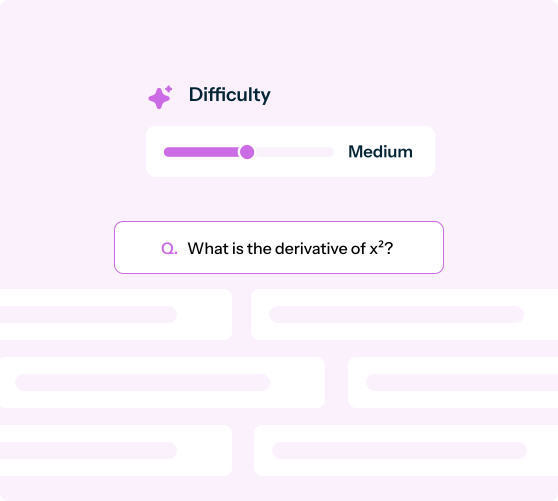
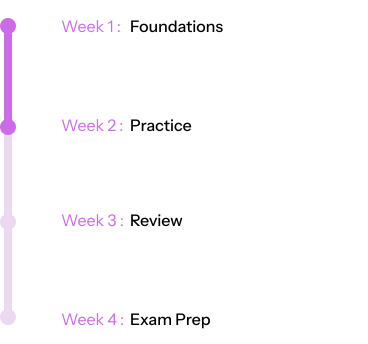
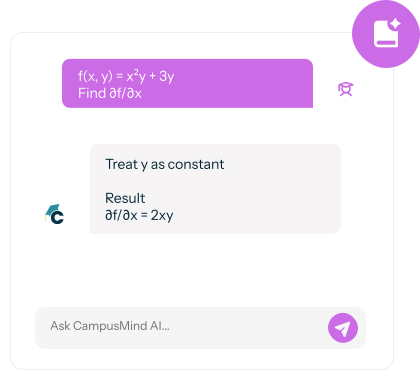
The Virtual Teaching Assistant is not just about providing answers; it’s about facilitating deeper understanding. Study Mode turns the VTA into a guided learning tool that supports understanding, not shortcuts. 
SECURE INSTITUTIONAL GOVERNANCE

Security Standards Your Board Expects

We pride ourselves on keeping pace with the industry. Our platform is continuously updated to navigate the world of AI securely, giving you full data ownership and control.

Data Privacy First

Institutional data, total control. No open models or third-party sharing.

Full Compliance

Built on Microsoft Azure and designed to meet US higher education standards.

FERPA-Compliant

HECVAT Assurance

VPAT & WCAG 2.1 AA

Built on Microsoft Azure and designed to meet US higher

Emergency Response Integration

Alerts Institutional authorities in
case of self-harm concerns.
Built-In Instructional Pacing

Answers Aligned to What’s Been Taught

CampusMindrespects how courses are taught over time. Even though the Virtual Teaching Assistant has access to all course materials, it only responds based on content that has been covered up to that point in the term.

Instructor-Controlled Prompts

Set custom prompting for role-play (debate, patient interview, case consult) that matches your teaching style. 

Group Project Guardrails

Add custom instructions for team work—roles, collaboration rules, and what help is allowed vs. off-limits. 

Teaching Insight Analytics

See what students are asking, where they’re stuck, and which topics drive repeat questions.

Preserve Course Flow

Set custom prompting for role-play (debate, patient interview, case consult) that matches your teaching style. 

Reinforce at the Right Time

Supports current lessons with guided help, keeping your pacing intact while reducing repeat explanations.

Enhanced Course Control

The VTA supports your teaching plan, reinforcing learning without disrupting the flow of your lessons.
A Different Standard for Academic AI

Purpose-Built for Teaching 
and Learning

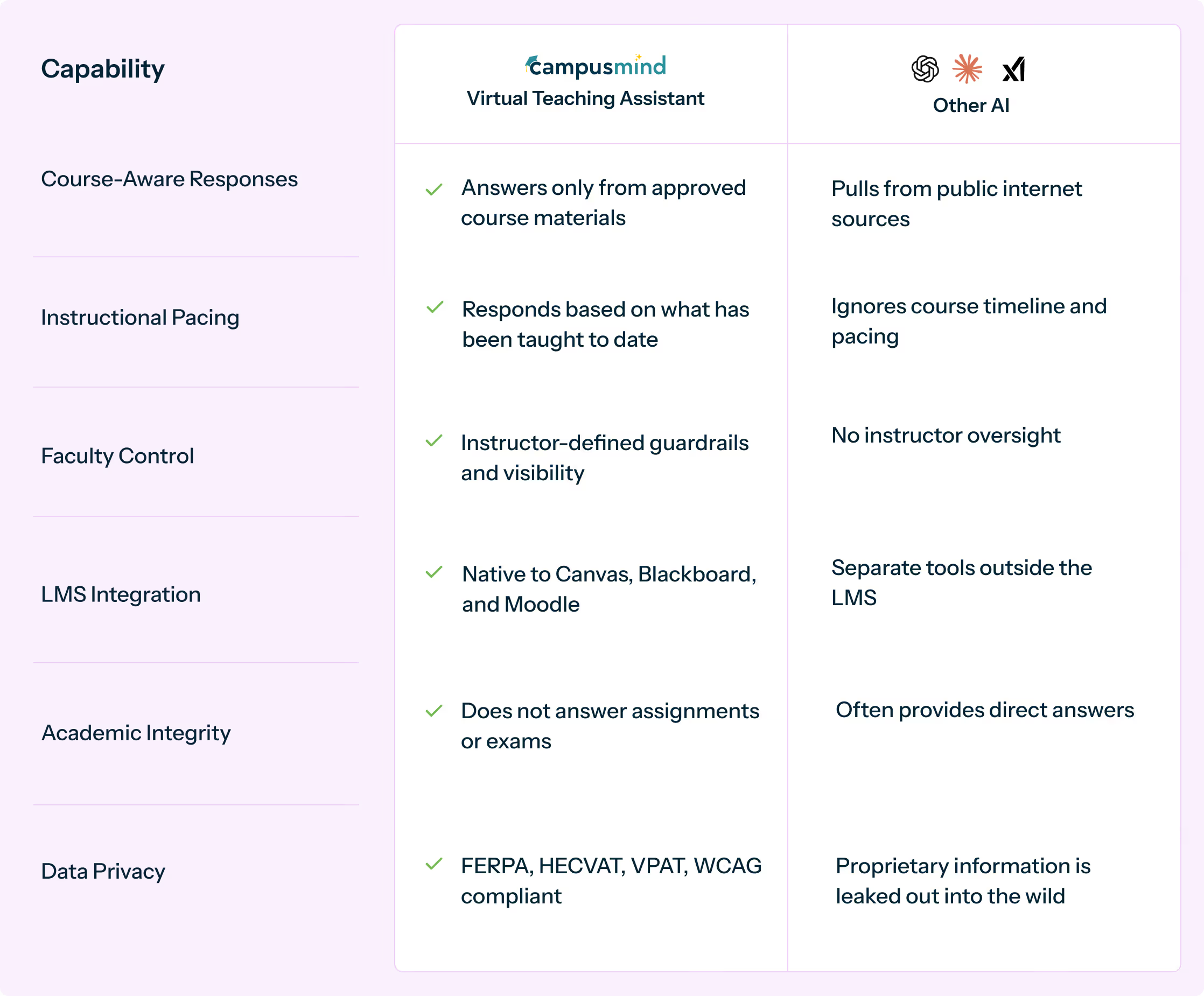
CampusMindis designed specifically for higher education classrooms. Unlike generic AI tools, itoperateswithin academic structure, faculty intent, and institutional governance.
Comparison table showing capabilities of Campus Mind Virtual Teaching Assistant versus other generic tools including course-aware responses, instructional pacing, faculty control, LMS integration, academic integrity, data privacy, and transparency.
Comparison graphic showing a graduation cap icon with a 'C' on the left and a question mark in a speech bubble on the right, separated by 'vs.' text.

Want to compare it to a tool you use?

Send us the details and we can give you a snapshot.
Thank you for your subscribing!
Oops! Something went wrong while submitting the form.
IMPLEMENTATION & ONBOARDING

From Contract to Campus-Wide Deployment in Days, Not Semesters

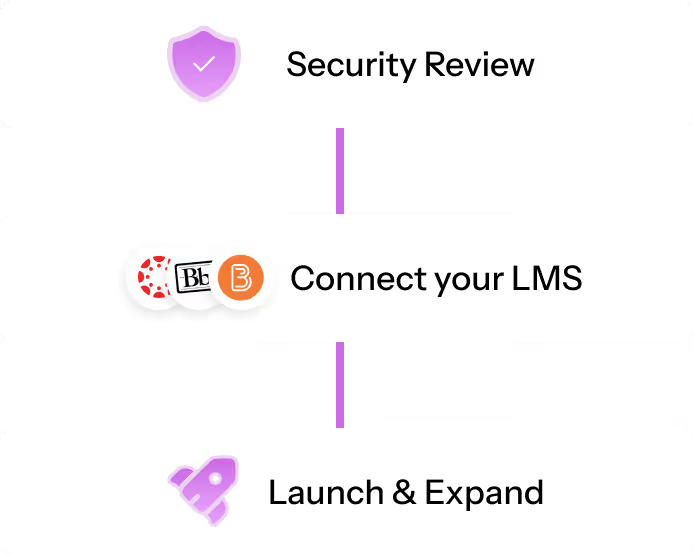
Three-step process flow with icons: Security Review with a shield icon, Connect your LMS with LMS platform logos, and Launch & Expand with a rocket icon.

1. Get cleared by IT (fast track)

Run your security review using our ready-to-share packet. HECVAT + VPAT are already prepared, so your team can validate requirements and approve quickly. 

2. Connect to your LMS

Your LMS team turns on the LTI integration for Canvas, Blackboard, or Brightspace using pre-built connectors—no heavy lift.

3. Launch, then expand

Upload course materials, set the right teaching tone and guardrails, onboard faculty, and start with a small pilot.
FAQ

Frequently Asked Questions

Everything you need to know about the accessibility offerings.
How does this differ from generic chatbots or ChatGPT?
Generic AI tools are trained on internet content and often provide inaccurate or hallucinated answers. CampusMind's VTA is trained exclusively on your institution's course materials—syllabi, lecture videos, readings, and PDFs—ensuring every response aligns with your curriculum. Faculty also set guardrails preventing it from answering assignment or exam questions, maintaining academic integrity.
Will this replace our teaching assistants or tutoring centers?
No. The VTA handles high-volume, repetitive questions (syllabus clarifications, due dates, foundational concept review) so human TAs and tutors can focus on complex problems, one-on-one support, and students who need deeper intervention. Think of it as expanding support capacity, not replacing human expertise.
What happens if the VTA gives a wrong answer?
Faculty review AI-student interactions through built-in dashboards and can correct inaccuracies immediately. The VTA also includes "confidence scoring" and will direct students to instructors when it's uncertain. Over time, instructors refine training materials to improve accuracy.
How do we ensure students aren't using this to cheat?
Instructors define strict guardrails preventing the VTA from answering assignment questions, providing exam solutions, or completing graded work. It focuses on concept explanation, study strategies, and administrative questions. All interactions are logged so faculty can monitor usage patterns and flag suspicious behavior.
Is this accessible to students with disabilities?
Yes. CampusMind meets VPAT and WCAG 2.1 AA accessibility standards, ensuring compatibility with screen readers, keyboard navigation, and other assistive technologies.
Can we pilot this in a few courses before going campus-wide?
Absolutely. Most institutions start with 3-10 high-enrollment courses, gather faculty feedback and usage data, then scale based on results. Pilots typically run 6-12 weeks.