Build Your First Retention Workflow in One Meeting
Select a specific student support moment to analyze. We will outline how your chosen signals and institutional guidelines can facilitate a thorough advisor review and prompt human follow-up.
Choose one student support moment to explore. We’ll map how your selected signals and institutional rules could lead to a clear advisor review and human follow-up.
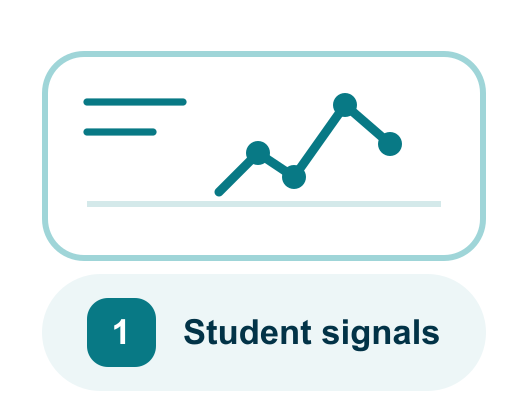
1. Choose the signals to watch
Start with the coursework, course activity, registration, or prior contact information your institution selects.
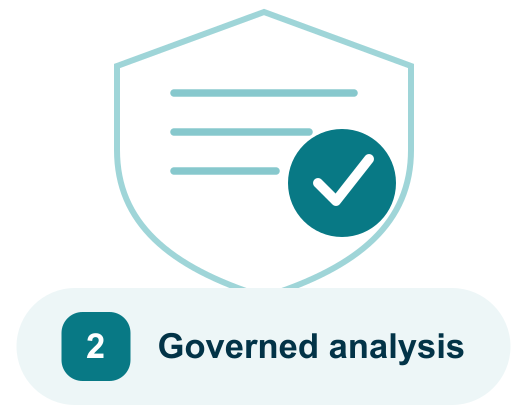
2. Apply your support rules
Explore institution-defined triggers, weights, support stages, messages, and contact limits for that workflow.
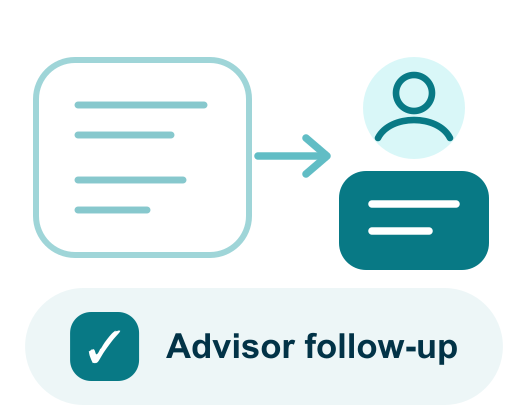
3. Design the human follow-up
Show advisors why review is needed, what contact already happened, and the next step your team wants them to take.
Thank you! Your submission has been received!
Oops! Something went wrong while submitting the form.
Empowering Education with Trusted Partners
FAQ
Before you explore a retention workflow
Everything you need to know about Retention Agent.
What does “starting with one retention workflow” mean?
It means choosing one focused use case to explore first. For example, you could examine how advisors identify students who may need support and prepare the right context for outreach. Starting small lets your team review the signals, rules, and staff workflow before considering a broader rollout.
What student signals can the Retention Agent use?
Your institution chooses the approved signals. These could include missed assignments, changes in course performance, attendance, LMS activity, advising history, or referrals to student-support services. Access should be limited to the information needed for the selected workflow.
Does the agent decide which students are at risk?
No. It can help organize signals and prioritize cases using criteria defined by your institution. Advisors and other authorized staff remain responsible for interpreting the information and deciding what support is appropriate.
Does it contact students automatically?
Not by default. The CampusMind workflow is designed around advisor review and human follow-up. If your institution wants to introduce automated messages or routing, the rules, approvals, and escalation points would be defined separately.
Will it work with the systems we already use?
The first step is understanding where the relevant information currently lives, such as your SIS, LMS, advising platform, or other approved systems. CampusMind can then help define how the workflow should use that information without assuming your current systems need to be replaced.
How is student information protected?
Your institution determines which information the workflow can use, who can access it, and how long it should be retained. The pilot should begin with the minimum information needed and be reviewed through your institution’s privacy, security, and student-data governance processes.
What institutional controls and review materials are available?
Your institution controls which student signals are used, how cases are prioritized, who can view student information, and when an advisor should become involved. Role-based access, activity records, defined agent rules, scoped permissions, and human review help keep student-support decisions with authorized staff.
Available review materials include:
-Completed SOC 2 Type II report -ISO/IEC 27001:2022 certification documentation -HECVAT -VPAT and WCAG documentation -FERPA documentation -FedRAMP-compatible architecture information -Materials supporting HIPAA and CMMC review
The applicability of each framework depends on the student information involved, the selected deployment, and your institution’s requirements.
How should we evaluate a retention pilot?
Evaluate whether the workflow surfaces useful information, helps staff prioritize outreach, preserves human judgment, and fits the way advisors already work. The pilot should provide evidence your team can use to decide whether the workflow is worth improving or expanding. It should not promise a specific increase in retention.