Northern Arizona University is one of CampusMind's design partners. That is not a label we use loosely. NAU's accessibility team has actively shaped how the Accessibility Agent handles the document types higher ed actually struggles with — multi-column scans, complex diagrams, tables that need structural meaning preserved, and the long tail of instructional PDFs that previous tools could only partially fix.
This case study is what we mean when we say CampusMind is built for higher ed, by higher ed. The product was refined inside a real university accessibility program, evaluated against real course materials, and stress-tested by a team that has been doing this work since 2012.
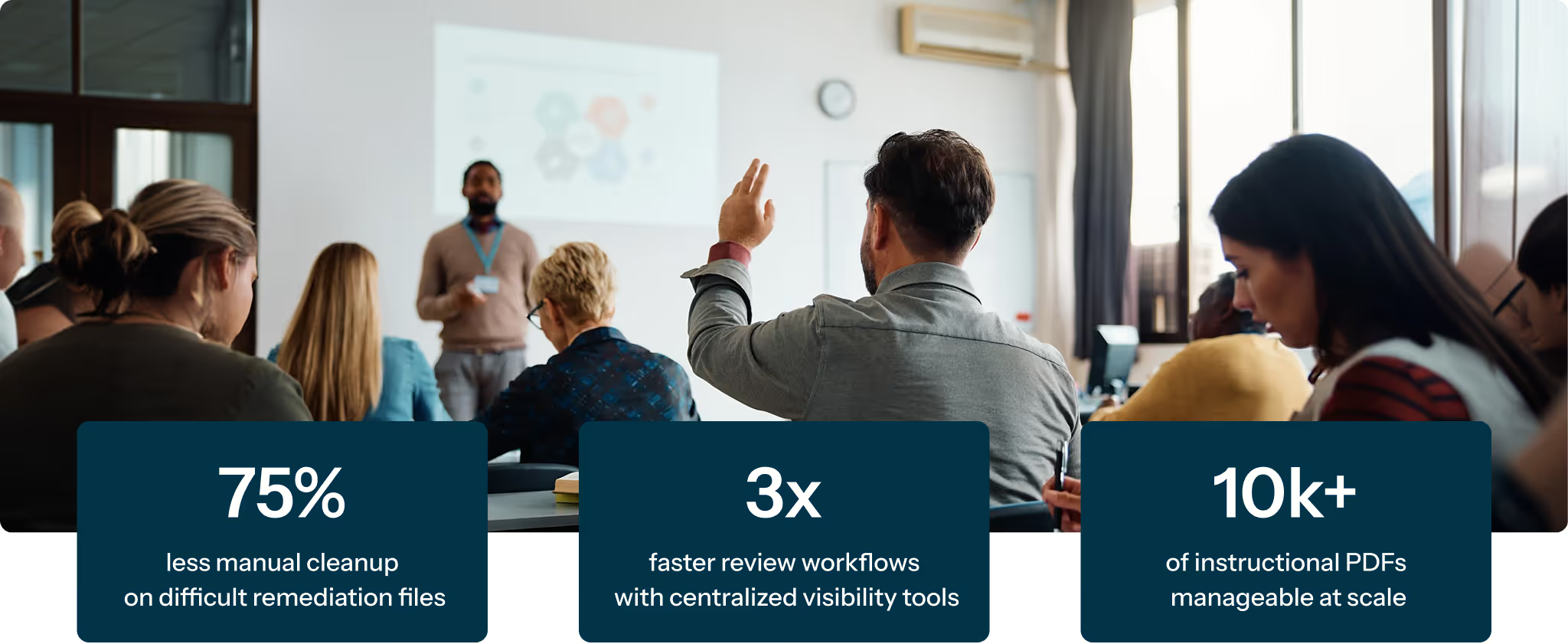
In their evaluation, NAU highlighted progress in the areas that typically require the most manual effort: reading order reconstruction, long descriptions for complex visuals, and better handling of difficult document structures. Sean Kugler estimated the approach could reduce remediation time by more than 50 percent, and possibly as much as 75 percent in some cases, depending on document complexity.
For NAU, the value is not just speed. It is the ability to reduce cleanup work, improve consistency, and create a more manageable process for reviewing and remediating instructional content at scale. Jamie Axelrod also pointed to workflow visibility, dashboarding, and organized batch processing as meaningful operational benefits.
NAU is not approaching accessibility as a new initiative. Jamie Axelrod explained that the institution has had programs in place since 2012 to support remediation of instructional materials. That history is exactly why the partnership matters: the feedback shaping
CampusMind comes from a team that already understands the work, the constraints, and where existing tools tend to fall short.
The challenge is not whether accessibility matters. The challenge is that many academic PDFs are difficult to remediate well, especially when they include:
These are the document types that push work back into manual review and manual correction — and they are exactly the cases NAU asked us to focus on as we refined the agent.
Jamie Axelrod noted that many PDF remediation tools have improved over time, but in practice they often still leave institutions with significant follow-up work. He described earlier tools as getting "maybe 50% of the way there" at the start of that process, with quality control and cleanup still needed before content was ready for broader use.
That is an important point for higher ed teams. The problem is not just whether a tool can auto-tag a document. It is whether the output is close enough to usable that staff are not spending large amounts of time correcting structure, order, and descriptions afterward.
Jamie also raised the practical issue of cost and labor. When automated output still needs major cleanup, institutions either absorb that work internally or pay for additional remediation support. His view was that output that comes back much closer to complete makes the remaining steps cleaner and more manageable.
The strongest feedback focused on specific accessibility tasks rather than broad product language. This is where the partnership enhanced the product most directly.
Sean Kugler called out the ability to take multi-column documents and reconstruct them into a usable single-column reading flow. He also referenced issues such as two-pages-in-one scans, page flow, and content placement as areas where the agent showed meaningful improvement.
That matters because reading order errors are one of the biggest reasons accessibility work becomes time-intensive. Fixing those issues manually can take significant effort, especially across academic content that was not originally created with accessibility in mind.
Kugler also emphasized the value of long descriptions for visuals such as mind maps, flow charts, and maps. He described the mind map capability as a "real game changer" and said the output was very accurate in the examples they reviewed.
This is one of the most useful pieces of feedback because it connects directly to real work on campus. NAU explained that complex visuals often require content-specific interpretation, which creates extra back-and-forth with faculty or subject-matter experts. A tool that handles more of that work well reduces a meaningful part of the remediation burden.
Kugler discussed how some tools flatten tables into a stream of text and numbers, making it difficult for a screen-reader user to understand what the values refer to. In the examples reviewed, he indicated that preserving the meaning and relationship within tables was an area where the output was stronger.
That is a more useful claim than simply saying tables were remediated. The real issue is whether meaning is preserved for assistive technology users — and that was a design priority NAU pushed us on.
NAU's feedback also supports a careful operational takeaway: when output comes back much closer to what the team needs, the final review and correction steps take less time. Jamie said those last steps become "a lot cleaner and take a lot less time to complete."
That is the right way to frame the benefit. Not as fully hands-off remediation, but as a meaningful reduction in manual effort on the hardest files.
Another point from the review was operational visibility. Jamie highlighted the value of seeing where remediation stands, reviewing output scores, and having a clearer view of work in progress. He contrasted that with the confusion that can happen when teams are trying to manage accessibility work across multiple spreadsheets or disconnected processes.
That matters because accessibility at scale is not just a file-level challenge. It is also a workflow challenge. Teams need a way to prioritize, monitor, and move work forward consistently — and that operational lens came directly from working alongside NAU.
The review also surfaced the value of integrating remediation directly into LMS workflows. When asked about pulling files from Canvas, reviewing them, remediating them, and pushing them back in a more organized way, Kugler said that kind of setup would make a huge difference from a workload perspective. He specifically described the benefit of working course by course or college by college while keeping review controls in place.
This is the kind of input that only comes from a design partnership grounded in real institutional workflows.
The strongest takeaway from NAU is not that accessibility can be fully automated. It is that a platform designed alongside a higher ed accessibility team can reduce the most time-consuming parts of remediation and make the work more manageable for teams that already take accessibility seriously.
That includes:
For institutions preparing for ADA Title II compliance work, that is a more useful and realistic story than broad promises from tools built outside the sector.
NAU's feedback points to a practical lesson for higher ed teams: the hardest part of PDF accessibility work is often not identifying that a document has issues. It is handling the structural, visual, and workflow complexity required to fix those issues well and at scale.
CampusMind was refined in partnership with NAU to address exactly that — reducing manual effort on the most difficult document types while giving accessibility teams a clearer path for organizing and reviewing the work. That is what "designed by higher ed, for higher ed" means in practice, and it is why CampusMind is a relevant option for institutions looking to strengthen accessibility operations ahead of compliance deadlines.