
Let's be real about something. WCAG 2.1 AA compliance is no longer optional. With the DOJ's Title II rule now in effect, public institutions have to take digital accessibility seriously — and for most campuses, the hardest part isn't the website.
It's the PDFs.
Syllabi. Handbooks. Course readings. Department forms. Thousands of documents sitting in LMS folders, shared drives, and archives — many with no source files, broken reading order, missing tags, or images with no description. Most campuses already know this is a problem. What they don't know is how to fix it at scale.
That's what this session is for.
This isn't a webinar where someone talks at you for 45 minutes. It's a working session — space to share what you've tried, what's worked, and where things keep breaking down.
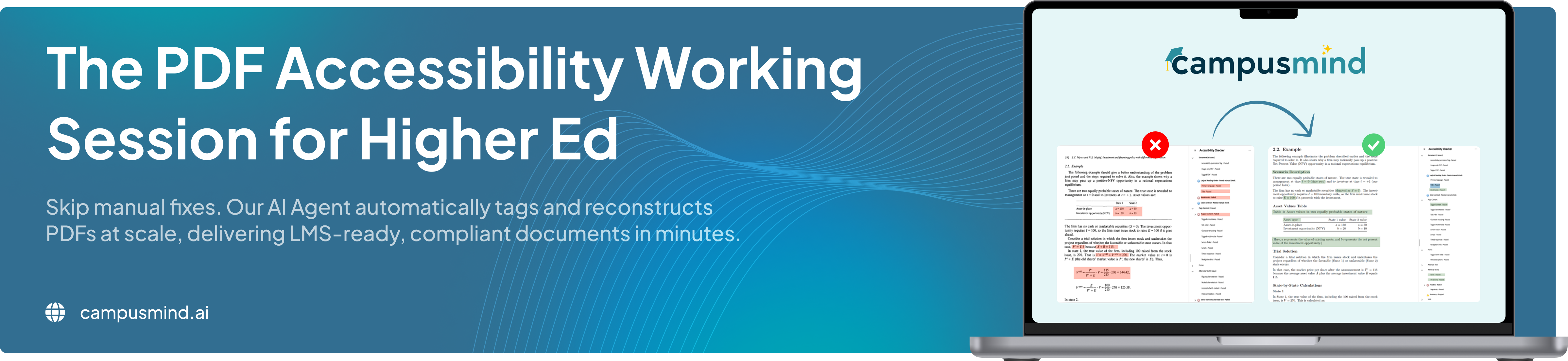
We'll also show the CampusMind Accessibility Agent remediating PDFs live. Before and after. Real documents. You'll see how it handles tagging, reading order, tables, image descriptions, and formulas — including documents with no source file.
And yes, you can bring your own PDF. If you have a document you want tested live, bring it. Just nothing with student records or sensitive institutional data — a course syllabus or public policy document works great.
We will start with the current compliance landscape and what WCAG 2.1 AA means for digital documents in higher education.
This is where the discussion opens up. We want to hear from you:What tools have you tested?What workflows have you tried?Where are things getting stuck?Who owns accessibility remediation on your campus?
We will talk through the operational reality: thousands of documents, limited staff, missing source files, inconsistent ownership, and remediation work that takes too long to scale.
The CampusMind team will share common issues we see across institutional PDFs, including missing tags, broken reading order, inaccessible tables, missing image annotations, and formulas that are not understandable for assistive technologies.
You will see the CampusMind Accessibility Agent remediate PDFs live. We will show how the agent analyzes document structure, identifies accessibility gaps, adds tags, improves reading order, and prepares documents for WCAG 2.1 AA alignment.
Have a PDF you want us to test? Bring it. We will review sample documents live and show what the remediation process looks like.
Ask what you actually need to know — implementation, cost, workflows, ownership, timelines, accuracy, limitations, and where automation fits into your current process.
Space is limited so we can keep the session practical, collaborative, and focused on real questions from higher ed teams.


If your institution has PDFs sitting across courses, websites, shared drives, or department folders, this session is for you.