
Accessibility Agent · Get started

Remediate a PDF and book your team’s walkthrough

Upload one of your published PDFs and see what the agent fixes.

Checked against WCAG 2.1 AA
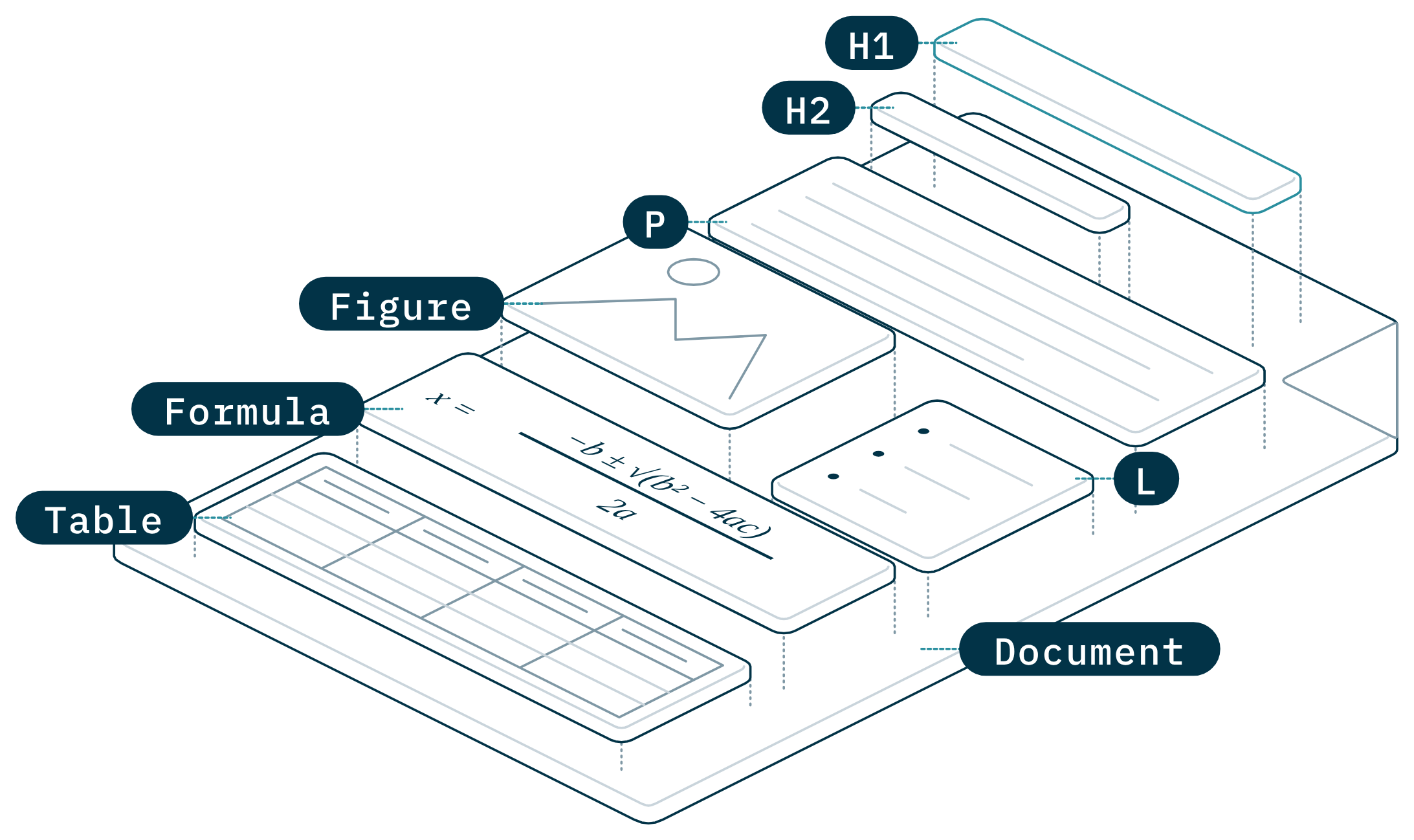
A course PDF with its structure lifted off the page: heading, paragraph, figure, list and table, each picked out in reading order.

Remediate your PDF

Upload one PDF

The agent rebuilds its structure and alt text, then sends it back for your team to review.

Your PDF
One PDF at a time. Scanned pages, tables and equations are fine.
Uploading your PDF…
fileuploaded.jpg
Upload failed. Max size for files is 10 MB.

We’ll email you when the remediated file is ready to review.

Required

PDF received

You’re all set. Your accessible PDF is on its way.

We’ll email you when your remediated PDF is ready for your team to review. Here’s what the agent takes care of for you:

  • Headings and reading order
  • Alt text for every image
  • Tagged tables and lists
Something went wrong sending your PDF. Check the fields above and try again.

Prefer to talk first?

Book my team’s walkthrough

A call with our team about your campus and what you want to try.

Pick a time (opens in a new tab)

What happens next

After you send it

  1. 1

    The agent remediates your file

    It tags headings, tables and figures, sets the reading order and drafts alt text.

  2. 2

    Your team reviews it

    Open the file, check every change and edit anything before it goes back to students.

  3. 3

    Plan the rest with us

    On your walkthrough we look at your file together and map out a first course.