
Virtual Teaching Assistant · Get started
Try the Virtual Teaching Assistant in a sandbox course
Request a sandbox to see how it answers students from course materials, within the limits instructors set.
Works with Canvas, Blackboard and D2L
Sandbox requested
You’re all set. Your sandbox course is on its way.
We’ll email you when your sandbox is ready to try. Here’s what you’ll be able to test:
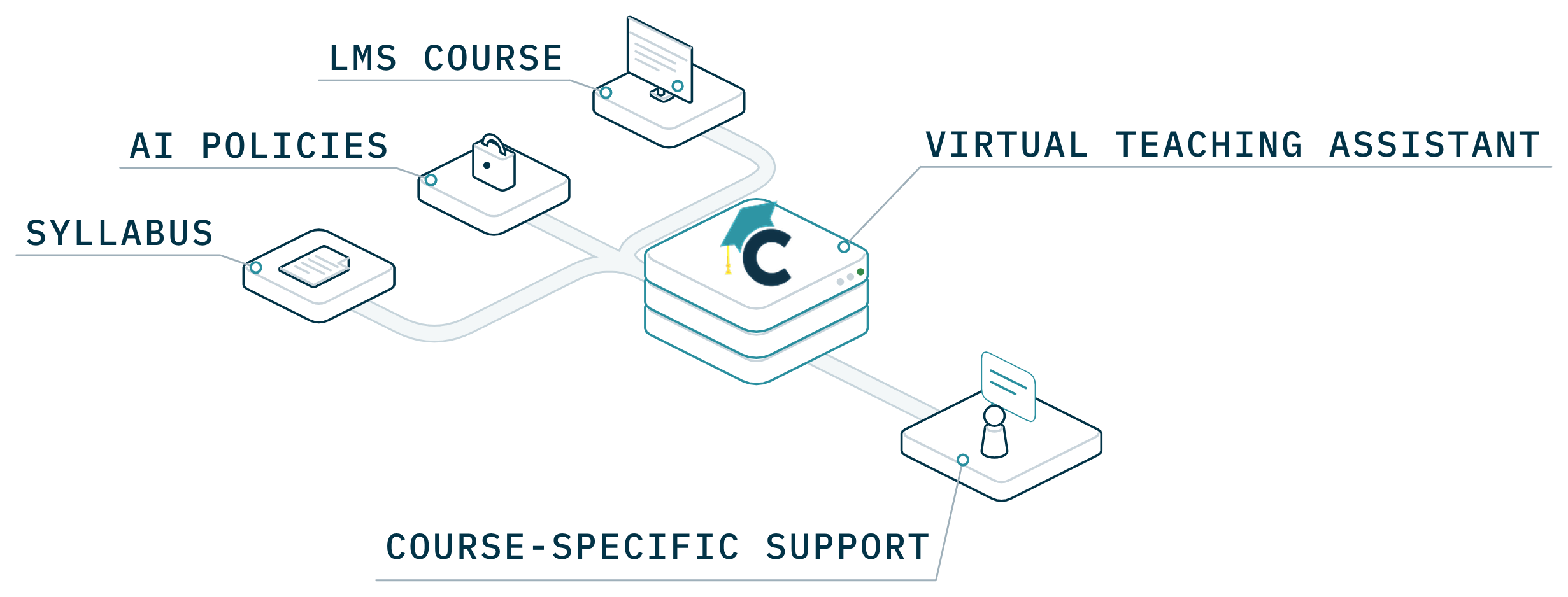
- Course-specific support
- AI policies you set
- Handoffs to the instructor
Something went wrong sending the form. Check the fields above and try again.
Prefer to talk first?
Book my team’s walkthrough
A call with our team about your campus and what you want to try.
Pick a time (opens in a new tab)Related resources